Free sample · no email · 1,736 of 8,848 words
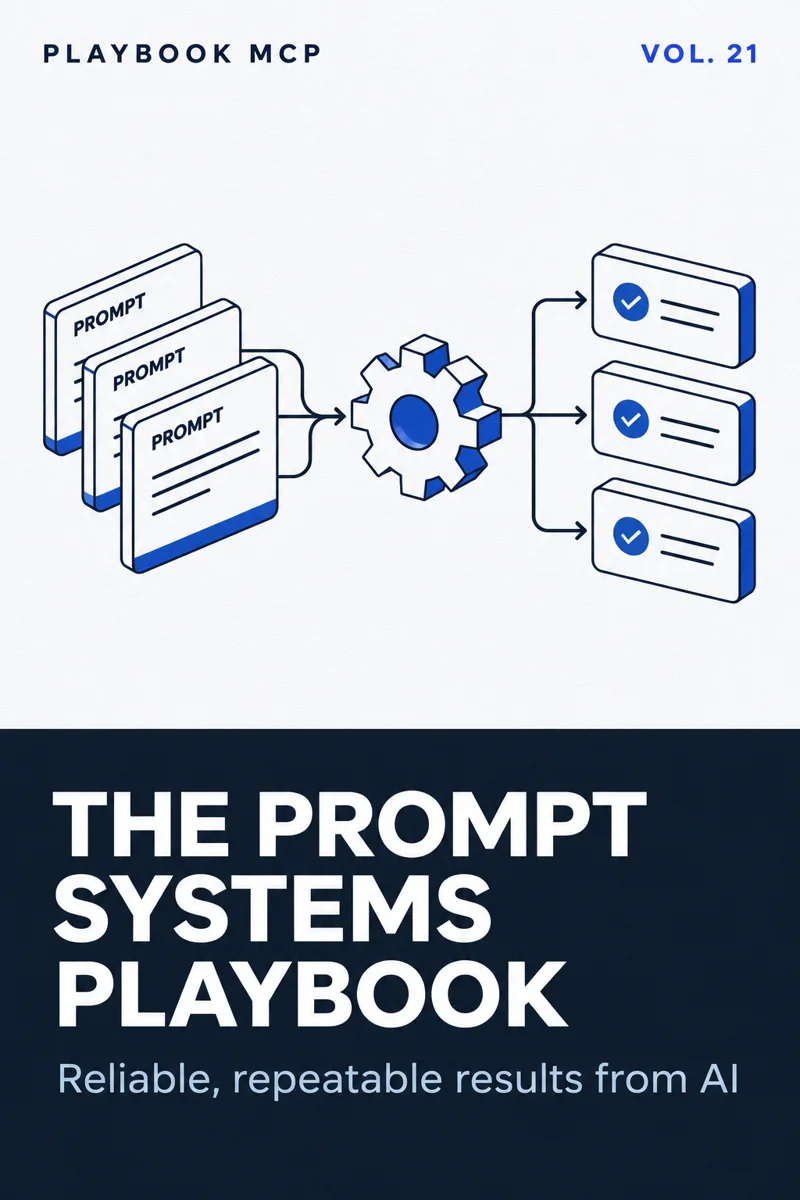
The Prompt Systems Playbook
The opening of the playbook as your AI agent reads it. The full volume adds the step-by-step playbook, the prompts, the checklist and the sources.
1. The problem
Why the same prompt gives different answers
Most people treat a prompt like a search query: type something, read the result, try again if it is wrong. That works for one-off questions. It breaks the moment you need the same kind of result many times, or need someone else to get the same result you got.
There are four separate reasons outputs vary, and they need different fixes.
1. Sampling. Language models produce text by choosing the next token from a probability distribution. Settings such as temperature control how much randomness goes into that choice. Lower temperature makes outputs more focused, but providers are explicit that it does not make them fully deterministic. Anthropic’s API documentation notes that even with a temperature of 0.0, results will not be fully deterministic. OpenAI’s reproducibility guidance describes its seed parameter as making outputs “mostly” deterministic, not guaranteed. Researchers at Thinking Machines Lab published a detailed explanation in 2025 of why server-side batching and floating-point behavior can change results even at temperature zero. The practical lesson: you cannot buy reliability with a setting. You have to design for it.
2. Ambiguity in the instruction. If a prompt leaves a decision open, the model makes that decision for you, and it may make it differently each time. “Write a short summary” leaves length, audience, format, tone, what to include and what to drop all open. Every open decision is a source of variance. Most of the variation people complain about is not randomness; it is underspecification.
3. Context drift. In a chat, everything earlier in the conversation affects later answers. A correction you made twenty messages ago, a pasted document, an offhand remark about tone: all of it shifts the result. Two people running “the same prompt” in different conversations are not running the same prompt.
4. Model and tool changes. Providers update models, change defaults, and retire versions. A prompt tuned for one model can behave differently on its successor. Without a record of what you ran and a set of tests to re-run, you will not notice the change until a customer or colleague does.
What usually goes wrong
- The heroic prompt. One enormous prompt tries to research, decide, write, format and check in a single pass. It works sometimes. When it fails, nobody can tell which part failed.
- No definition of “good.” The person running the prompt judges each result by feel. Two reviewers disagree. Nobody can say whether a prompt change made things better or worse.
- Free-form output feeding a process. A model returns prose, and a person or script has to dig the answer out of it. The format changes slightly and the downstream step breaks.
- Invented facts in structured work. The model fills gaps with plausible guesses: a price that was never stated, a feature the product does not have, a competitor the client never mentioned.
- Prompts living in chat history. The best version of a prompt is buried in a conversation from three months ago. Nobody knows which version is current or why it was changed.
- Agents with vague missions. An autonomous agent is told to “keep improving the app” with no priorities, no stop condition, no checkpoints and no way to verify its own claims. It produces activity, not progress.
What good looks like
A prompt system is a small set of written artifacts that make an AI task repeatable:
- A spec that states the task, the inputs, the constraints and the definition of done.
- An output contract: a fixed format, often a schema, that the result must match.
- Examples and a rubric that show what good and bad look like, in a form two people can apply and agree on.
- A decomposition: the work split into steps, each with its own prompt, input and output.
- An evaluation set: a fixed group of test inputs you run every time you change anything.
- A template library: reusable, versioned prompts with fill-in fields.
- Agent instructions for longer, autonomous work: mission, priorities, loop, verification, stop rules.
- Documentation that lets someone else run, maintain and improve the prompt without asking you.
When this is in place, you get three things you did not have before: you can predict roughly what will come back, you can check it quickly, and you can change the prompt without fear because you will see what the change did.
2. Before you start
You need very little to begin, but you need it written down.
Inputs
- One recurring AI task you want to make reliable. Choose something you do at least weekly and where a bad result costs you time or credibility.
- Five to fifteen real examples of inputs for that task (emails, documents, transcripts, product records, briefs). Remove personal or confidential data, or replace it with realistic placeholders.
- Two or three outputs you consider good, and one or two you consider bad, if you have them. Past work you were happy with is the best raw material.
- Access to the AI tool or tools you will use, and, if possible, the ability to start a fresh conversation or call an API without previous context.
Information
- Who uses the output, and what they do with it next.
- Any hard rules: legal wording, brand terms, things that must never appear, data that must not be invented.
- The format the output must end up in (a document, a spreadsheet row, a ticket field, a JSON object, a pull request).
Intake checklist
- I can describe the task in one sentence that names the input and the output.
- I have at least five real or realistic test inputs saved in one folder.
- I know who consumes the output and in what format.
- I have listed the hard rules (what must always or never happen).
- I have a place to store prompts as files (a folder, a shared drive, a repository, a notes app with version history).
- I can run a prompt in a clean context (new chat, project without memory, or API).
3. The method
The method has nine steps. They build on each other, but you do not need all nine for every task. A simple weekly summary may need only steps 1, 2, 3, 6 and 9. A multi-step content pipeline or an autonomous agent needs all of them.
Step 1. Diagnose the variance
- What to do: Run your current prompt five times on the same input, each in a clean context. Compare the outputs side by side and list every way they differ.
- Why: You cannot fix variance you have not named. The list tells you which decisions your prompt leaves open.
- Done when: You have a written list of differences, each tagged as “open decision,” “missing information,” “format,” or “factual error.”
Step 2. Write a spec
- What to do: Rewrite the prompt as a structured spec with labeled sections: role and goal, inputs, task, constraints, output format, and what to do when information is missing.
- Why: Structure closes open decisions and makes the prompt readable by the next person.
- Done when: Every item on your variance list is addressed by a specific line in the spec.
Step 3. Add examples and a rubric
- What to do: Add one to three examples of good output, and write a short rubric of pass/fail criteria that a reviewer can apply.
- Why: Examples show what words cannot. A rubric turns “looks fine” into a check two people agree on.
- Done when: Two people (or you and an AI reviewer) score the same three outputs with the rubric and agree on every pass/fail call.
Step 4. Fix the output contract
- What to do: Define the exact shape of the output: headings, fields, order, allowed values, length limits. For machine-read outputs, write a schema.
- Why: A fixed shape makes outputs comparable and lets you validate them automatically.
- Done when: Ten consecutive runs produce outputs that pass a format check with no manual fixing.
Step 5. Decompose the work
- What to do: Split multi-part tasks into steps where each step has one job, a defined input and a defined output that feeds the next step.
- Why: Small steps are easier to specify, test and repair. Failures become local.
- Done when: You can run each step on its own with a saved input and judge its output without running the rest.
Step 6. Build an evaluation set and regression check
- What to do: Save your test inputs, the expected properties of good output for each, and a simple way to run all of them after any change.
- Why: Without tests, every prompt change is a guess. With them, you can see what improved and what broke.
- Done when: You can re-run the full set in under an hour (or minutes, if automated) and get a pass rate you record.
Step 7. Turn it into a template library
- What to do: Extract the stable parts of your prompts into templates with named fill-in fields, version numbers and a short usage note.
- Why: Templates stop people from rewriting prompts from memory and drifting away from the tested version.
- Done when: Someone else can produce an acceptable output from the template without asking you a question.
Step 8. Write agent instructions (for autonomous work)
- What to do: For agents that work over many steps, write standing instructions: mission, priorities, the work loop, verification rules, memory and checkpoints, stop conditions and boundaries.
- Why: Agents amplify vagueness. Clear standing instructions turn long runs into accountable work.
- Done when: The agent’s progress reports cite evidence for every claim, and it stops or escalates according to the rules you set.
Step 9. Document prompts as assets
- What to do: Give each production prompt a short record: purpose, owner, version, inputs, outputs, model tested on, known limits, test results, change log.
- Why: Prompts that matter deserve the same care as any other business asset. Documentation is what lets them outlive the person who wrote them.
- Done when: Each production prompt has a record, and the record matches the version actually in use.
Keep going: the full playbook
- Playbook steps
- Prompts
- Checklist
- Measuring results
- Common mistakes
Book + Claude skill + MCP access. Black Friday 2026 price. Back to the book page
Or start free
4 complete playbooks, the 7-day Claude Code course and a key your AI can use right now. No card.
Free. We email you about new lessons and volumes now and then. Unsubscribe any time.
Your free key
Install (Claude Code, Codex, Gemini CLI)
Other apps: add the MCP server https://playbookmcp.com/mcp with header Authorization: Bearer + your key. Keep this key; it is shown once.