Free sample · no email · 549 of 11,054 words
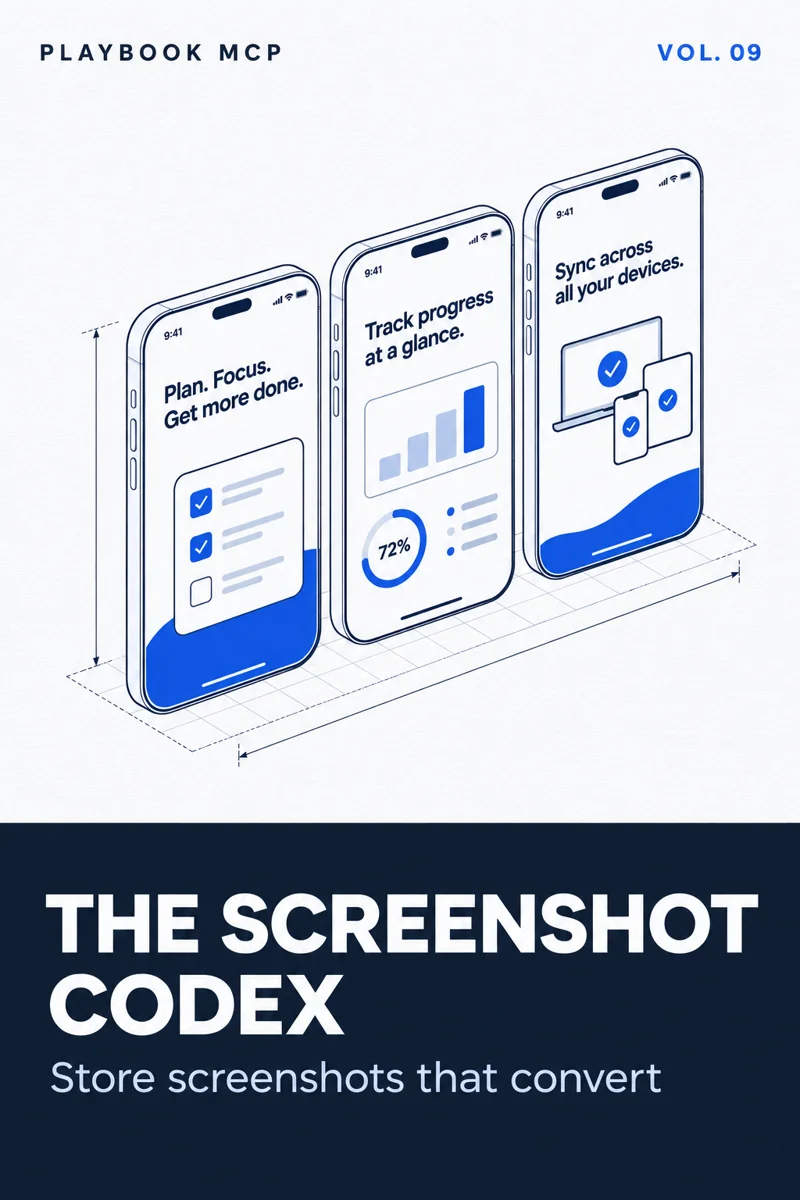
The Screenshot Codex
The opening of the playbook as your AI agent reads it. The full volume adds the step-by-step playbook, the prompts, the checklist and the sources.
How to use this playbook
This playbook takes an app from a blank listing to a tested screenshot set on the App Store and Google Play. AI drafts each step and a person approves at fixed gates.
| Reader | Start with | Then use |
|---|---|---|
| Founder or marketer | The short version, Strategy first | Workflow, QA checklist |
| Designer | Store specs, Design rules, Do’s and don’ts | Templates, QA checklist |
| AI agent | Agent operating instructions | Store specs as hard limits, Prompt library per stage |
Three words mark how strong each rule is:
- Must: a store requirement or policy. Breaking it gets an upload refused, a build rejected, or a listing demoted.
- Should: a conversion practice with cited evidence behind it.
- Test: a plausible idea without solid proof. Run an experiment before adopting it.
Scope is store listing screenshots for iPhone, iPad, Android phones, and Android tablets. Icons, preview videos, and the feature graphic appear only where they change a screenshot decision. Store specs change with each device generation, so re-check the linked official pages before every release.
Recent changes worth knowing
Advice written before 2026, including what most AI models learned in training, misses these points.
- Apple now names its size slots by hardware type, and it has added iPhone Duo. Duo screenshots become mandatory in April 2027.
- iOS 27 added a product page header and a search results creative asset, both managed in Asset Library.
- Custom product pages rose from 35 to 70 per app, and they can appear in search for assigned keywords.
- The App Store Connect API moved screenshot uploads to the App Asset Library and deprecated the old resource.
- Google Play experiments take up to 2 variants. Older guides say 3.
- The claim that Apple indexes caption text for search is still unconfirmed.
The short version
Ten rules separate a set that converts and passes review from one that is ignored or rejected.
- Show the real app. Every interface pixel comes from the shipping build, and more than half of each set shows the app in use.
- Win in three frames. Frames 1 to 3 say what the app is, who it is for and why to install it.
- One frame, one benefit. One caption of 3 to 6 words and one screen that proves it.
- Order by value. Lead with the strongest outcome, not with the first screen of the app.
- Design for the thumbnail. A caption that cannot be read at 330 px wide is too small or too long.
- Claim only what you can prove. No superlatives, awards, prices, offers, dates or calls to action.
- Build to spec. iPhone master at 1320 × 2868 px, Android at 9:16 from 1080 × 1920 px, exact sizes, no transparency.
- Localize properly. Rewrite captions and recapture the UI for each market, and have a native speaker sign off.
- Use AI for drafts, code and checks. Never for the interface, the device, the words inside an image, or the proof.
- A person approves, then you test. Three gates before upload, and one change per experiment after.
Keep going: the full playbook
- Strategy first
- Design rules
- Do's and don'ts
- Variations
- The AI-assisted workflow
- AI tool map
- Prompt library
- Agent operating instructions
- QA
Book + Claude skill + MCP access. Black Friday 2026 price. Back to the book page
Or start free
4 complete playbooks, the 7-day Claude Code course and a key your AI can use right now. No card.
Free. We email you about new lessons and volumes now and then. Unsubscribe any time.
Your free key
Install (Claude Code, Codex, Gemini CLI)
Other apps: add the MCP server https://playbookmcp.com/mcp with header Authorization: Bearer + your key. Keep this key; it is shown once.