Vol. 09 · Published Nov 17, 2026 · Book + Claude skill + MCP
The Screenshot Codex
Store Screenshots That Explain Your App, Made With AI
About this playbook
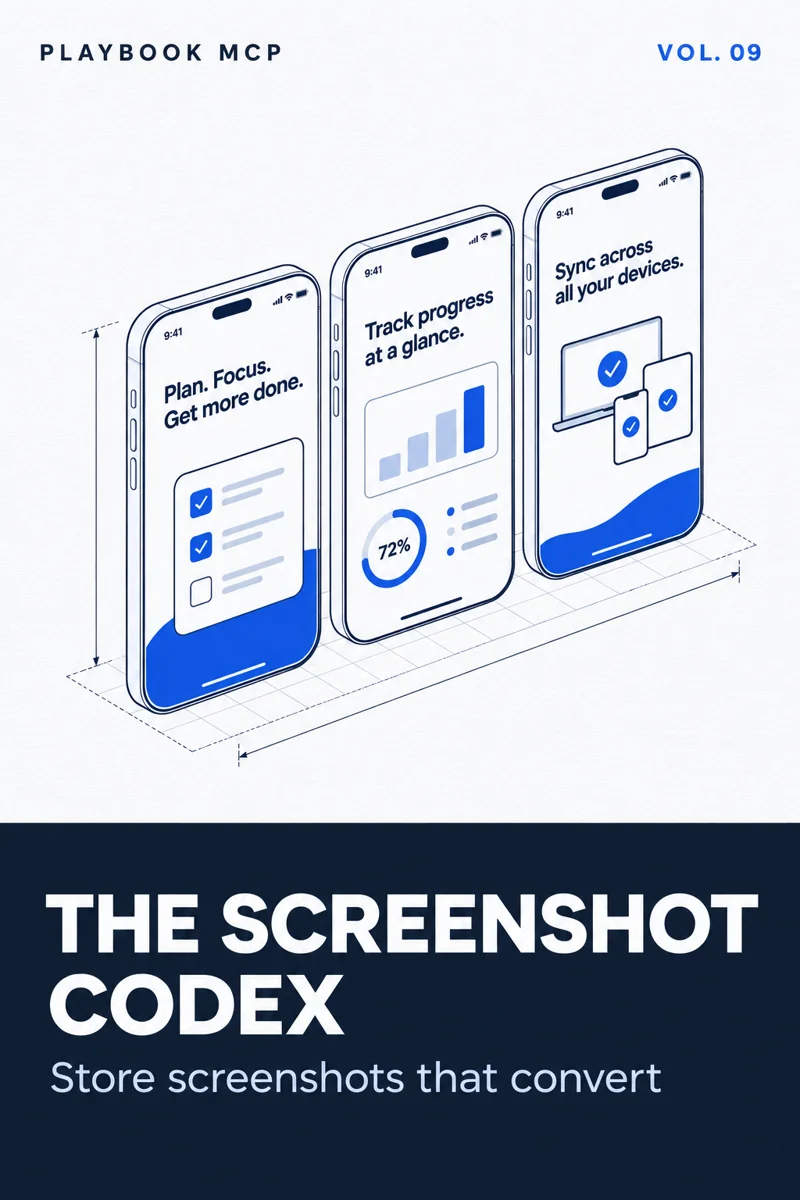
Store screenshots that convert
Screenshots are often the main thing people see before they install, yet they are usually made at the last minute. This playbook takes an app from a blank listing to a tested screenshot set on the App Store and Google Play, with AI drafting each step and a person approving at fixed gates.
Every rule is marked Must, Should or Test, so you know what is a store requirement, what has evidence behind it, and what still needs an experiment. It covers store specs and policy, message strategy, layout, captions, localization and variants, a step-by-step AI workflow and a library of 12 stage-by-stage prompts.
Who it's for
- Founders and marketers launching or relaunching an app
- Designers producing store assets for several devices and languages
- Product teams who want a repeatable screenshot process for every release
- Agencies handling app store presence for clients
What you'll be able to do
- Build two master sizes and export every other device size from them
- Check every set against Apple and Google specs and policy rules
- Write a message hierarchy and story arc before designing
- Apply design rules for captions, type, color, frames and real captured screens
- Handle games, subscriptions, tablets, foldables and localization correctly
- Run an AI pipeline from brief to compose to vision QA, with clean captures
- Design screenshot experiments and read their results
What's inside
Inside this volume
- 01
How to use the playbook
Paths for founders, designers and AI agents, and the Must, Should and Test labels.
- 02
Store specs
App Store and Google Play requirements and where screenshots appear in each store.
- 03
Policy guardrails
Rules that lead to rejected uploads or demoted listings.
- 04
Strategy first
What the evidence says, inputs to collect, message hierarchy and story arc.
- 05
Design rules and do's and don'ts
Layout, captions, legibility, color, the captured screen and device frames.
- 06
Variations
Games, subscriptions, tablets and foldables, localization, audience and seasonal variants.
- 07
The AI-assisted workflow
Steps, pipeline rules, clean captures and what AI must not do.
- 08
AI tool map
Choosing an image model and notes on automation.
- 09
Prompt library
Twelve prompts, from brief builder and policy lint to vision QA, localization and experiment readout.
- 10
Agent operating instructions
Rules for an AI agent running the process end to end.
Use it with your AI agent
Ask for the work. Your agent follows the playbook.
Install the Claude skill or connect the MCP with your license key. Then ask in plain language:
- “Build the brief and message map for our App Store screenshots from the app's features and reviews.”
- “Lint these draft captions against store policy and the playbook's caption rules.”
- “Plan the captures for six screenshots, then compose them at 1320 x 2868 and run the vision QA check.”
Questions
FAQ
Does it cover both the App Store and Google Play?
Yes, including phones and tablets on both, with the differences between the two stores explained.
Will AI invent screens that do not exist in my app?
The workflow uses real captured screens and lists what AI must not do, which includes misrepresenting the app.
How current are the specs?
Specs were checked against official pages at writing time, and the playbook tells you to re-check them before every release.
Does it cover app preview videos and icons?
Only where they affect a screenshot decision. The focus is the screenshot set.
Better together
The Builder's Codex
Design, build, polish and ship apps with AI agents.
$551 $15.80 Save 97%