Vol. 01 · Published Nov 17, 2026 · Book + Claude skill + MCP
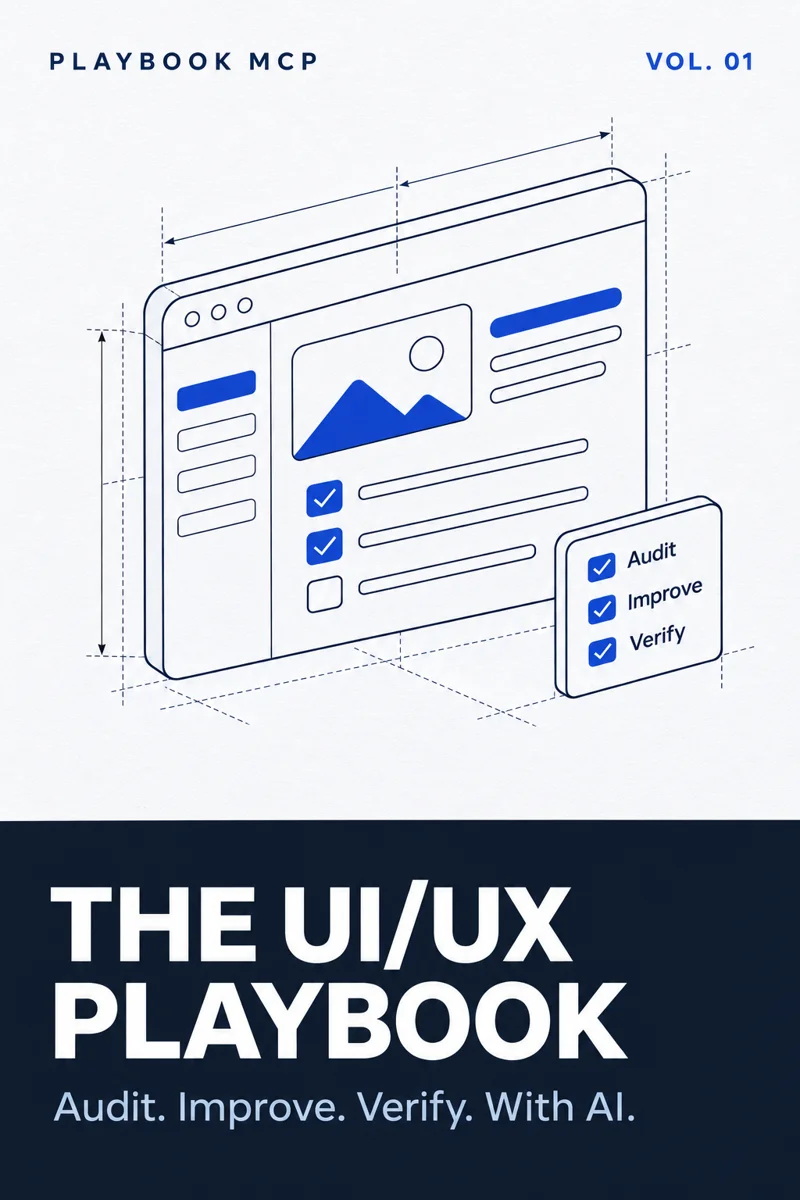
The UI/UX Playbook
Audit, Fix and Verify Your Product's UX With an AI Agent
$29 $5.80 Save 80%
Instant digital delivery. About 37k words.
About this playbook
Audit. Improve. Verify. With AI
Most AI design help stops at opinions: a list of suggestions with no proof, no priority and no check that anything got better. The UI/UX Playbook turns usability work into a disciplined loop that an AI agent can follow inside a real codebase.
It starts by understanding the person's task, records the current state, proves each problem with evidence, ranks it by severity, and then applies small, consistent changes that are verified under real conditions. A full WCAG 2.2 A/AA inventory, a coded checklist, 20 focused prompts and delivery templates come with it.
Who it's for
- Founders and product leads who want an honest UX review of an existing web or mobile product
- Consultants who run UX audits for clients and need a repeatable, evidence-based method
- Teams using coding agents who want design changes held to a clear quality bar
- Marketers responsible for onboarding, pricing or checkout flows that underperform
- Anyone who needs to bring a product closer to WCAG 2.2 A/AA
What you'll be able to do
- Run a six-stage audit, fix and verify loop on an existing product without breaking what works
- Write findings with evidence and severity, and decide a sensible fix order
- Check every key screen for its states: empty, loading, error, success and partial data
- Review forms, navigation, tables, search, onboarding and paywalls against concrete rules
- Work through the 55 WCAG 2.2 A/AA criteria with manual semantic and keyboard checks
- Spot common AI design mistakes and UX myths before they reach users
- Hand over a QA report and delivery summary using ready templates
What's inside
Inside this volume
- 01
AI working contract
Success criteria, boundaries and expected deliverables for an agent doing UX work.
- 02
Understand the person's job first
Seven questions to ask of every critical screen and a task contract that defines what the screen must achieve.
- 03
Norman's principles as working rules
Turns classic usability thinking into rules, including removing language that blames the user, and separates real principles from popular myths.
- 04
Discovery before change
A minimum product brief plus technical, behavioral and flow inventories to build before touching code.
- 05
Evidence and prioritization
What makes a finding credible, how to grade severity and how to order fixes.
- 06
The audit, fix and verify loop
Six stages from recording the baseline to closing the delivery, with verification in real conditions.
- 07
Information architecture, flows and states
Grouping by user task, progressive disclosure, screen contracts and a state matrix for high and low risk actions.
- 08
Visual system, tokens and components
Design tokens, component contracts, forms and authentication, feedback and error recovery.
- 09
Responsive web, native mobile and performance
Layout across sizes, native interaction expectations and how waiting should feel.
- 10
Accessibility standard (WCAG 2.2 A/AA)
Numeric thresholds, frequently missed interaction details and a full applicability inventory by principle.
- 11
Trust, content and AI products
Fees, permissions, privacy, microcopy, localization and the specific UX needs of products that include AI.
- 12
Prompts, checklist and templates
A start prompt, 20 focused prompts, a coded checklist and templates for issue logs, design decisions and QA reports.
Use it with your AI agent
Ask for the work. Your agent follows the playbook.
Install the Claude skill or connect the MCP with your license key. Then ask in plain language:
- “Audit the signup and onboarding flow in this repo, log each issue with evidence and severity, and propose a fix order.”
- “Check the settings screens against WCAG 2.2 AA, fix keyboard and focus problems, and show me what you verified.”
- “Review only these three screenshots of our pricing page and tell me which issues are proven and which are guesses.”
Questions
FAQ
Does it work for both web and mobile apps?
Yes. The playbook covers responsive web and native mobile, with separate checks for each, and its rules apply to both.
Will the agent redesign my whole product?
No. The method favors small, consistent changes that are proven and verified one at a time, after a baseline has been recorded.
Is this a full accessibility certification?
No. It includes a complete WCAG 2.2 A/AA applicability inventory and manual checks, which helps you get closer to conformance, but it is not a formal audit or certificate.
Can I use it with only screenshots, without code access?
Yes. One of the focused prompts is written for screenshot-only reviews, and it marks what cannot be confirmed from images alone.
What do I get at the end of an audit?
An issue log with evidence and severity, route and state coverage, design decisions, a QA report and a delivery summary, all from included templates.
Better together
The Builder's Codex
Design, build, polish and ship apps with AI agents.
$551 $15.80 Save 97%