NewVol. 65 · Published Nov 26, 2026 · Book + Claude skill + MCP
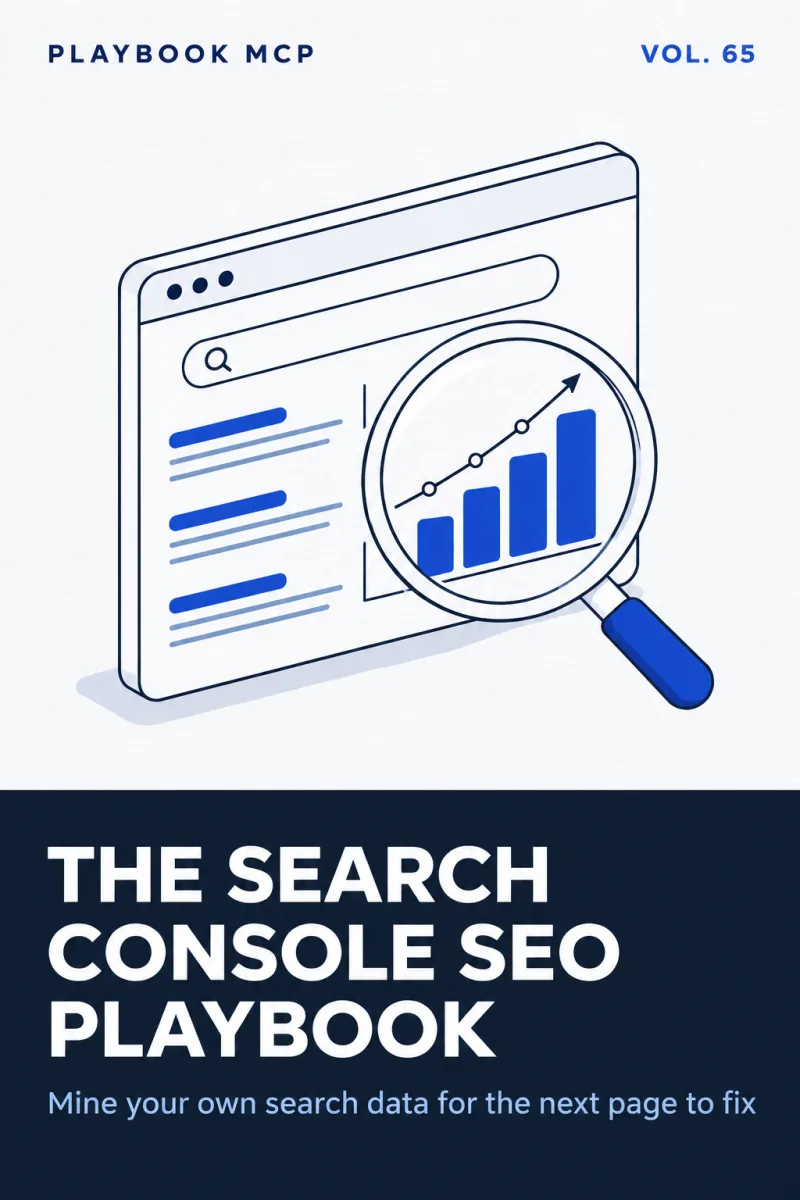
The Search Console SEO Playbook
Find the Next Page to Fix in Your Own Search Console Data
$29 $5.80 Save 80%
Instant digital delivery. About 14k words.
About this playbook
Mine your own search data for the next page to fix
Most small software teams only read the top-queries table in Search Console. They compare themselves with CTR benchmarks from other sites, and they never write down what they changed. The Search Console SEO Playbook covers one data source and one loop: pull the data, find a candidate, check the live result page, make one change, log it and read the result.
It shows your AI agent how to pull the data the same way every time through the interface, an export or the API, and how to report how much of your traffic the visible queries actually cover. The agent then runs more than a dozen query-mining analyses and checks the technical basics in a fixed order. Findings become ranked experiments, each with a hypothesis, a query set and a decision date.
Who it's for
- Founders and solo developers whose SaaS, web tool or app marketing site already gets some Google traffic
- Small growth teams with a verified Search Console property who want to know which page change to make next
- Teams that want an AI agent to run Search Console analyses that can be repeated and checked
- Anyone who has rewritten titles based on borrowed CTR benchmarks and wants to use their own data instead
What you'll be able to do
- Write a frame note (property, goal event, money pages, brand regex, segments and windows) so any analysis can be rerun next month
- Pull Search Console data through the API with paging and segment filters, and print a coverage line under every query table
- Check status, indexing, the canonical Google chose, redirects, soft 404s, orphan pages and Core Web Vitals in the right order before any content work
- Run decision, question, long-tail, buyer, striking-distance, cannibalization, decay and stale-year analyses with ready regex and thresholds
- Find titles with low CTR by comparing each query with your own queries at a similar position, not an outside benchmark table
- Build or QA comparison and alternatives pages with sourced prices, honest trade-offs and a method section
- Track AI-search visibility with data you can actually see, and log every change with a decision: scale, revert, keep watching or not enough data
What's inside
Inside this volume
- 01
The method in nine steps
From setting the frame and pulling data reproducibly to shipping one change per URL, logging it and recording a decision.
- 02
Pulling the data reproducibly
Read-only API access, the Search Analytics query shape, a paged query function, the coverage line and cleaning out brand and tool noise.
- 03
The technical pre-check
A fixed order of checks, from status, noindex and robots through canonicals and redirects to Core Web Vitals and titles, using the URL Inspection and PageSpeed Insights APIs.
- 04
Fourteen query-mining analyses
Decision, questions, long tail, prompt-shaped, buyer terms, striking distance, low CTR against your peer CTR, cannibalization, decay, stale years, page-query map, branded split, country and device mix, and multimodal.
- 05
Reading the live result page and QA for comparison pages
How to note what Google rewards for a query and pick one specific change, plus a structure and checklist for best, vs and alternatives pages.
- 06
AI-search visibility
The Search Console generative AI report, Bing AI performance data, referrals from AI assistants, robots and snippet controls, and a manual citation log.
- 07
Prioritization and the experiment log
A simple (impact x evidence) / effort score, rules for ties, and log entries that end in one of four decisions.
Use it with your AI agent
Ask for the work. Your agent follows the playbook.
Install the Claude skill or connect the MCP with your license key. Then ask in plain language:
- “Run the striking-distance analysis for the US on mobile over the last 90 complete days, excluding our brand, and show me the table with the window, filter and coverage line.”
- “Find non-branded queries where our CTR is below half our own peer CTR at a similar position, estimate the gap in clicks, and check whether Google rewrote our titles.”
- “Inspect our pricing, tool and comparison pages with the URL Inspection API and flag any page where Google's chosen canonical differs from ours.”
- “Pull every best, vs and alternatives query from the last 16 months, group them by the decision behind them, and tell me which ones have no matching page.”
Questions
FAQ
Do I need an existing site with traffic?
Yes. The playbook assumes a verified Search Console property with at least a few weeks of impressions. If you are starting from zero, it points you to the broader SEO volume in the library first.
Do I have to use the Search Console API?
No. Every analysis can be run through the Search Console interface with regex filters, an export or the API. The API is recommended for agents and larger sites because the interface shows only up to 1,000 rows per table.
Does it tell me what CTR I should get at each position?
No. It replaces outside CTR benchmark tables with a peer method that compares each query with your own queries at a similar position in the same segment. Where your data is too thin, it marks the row as not enough data.
Will my agent change pages without asking?
The playbook tells you not to let the agent publish page changes without your review. It gives the agent read-only Search Console access and asks it to show the window, segment and filter behind every table.
Does it cover AI search like AI Overviews and ChatGPT?
Yes, with only data you can observe: the Search Console generative AI report, Bing AI performance data, referral sessions from AI assistants and a manual citation log. It warns against claiming citations you did not see.
Better together
The Growth Vault
Everything we know about getting users without burning money.
$1,102 $19.80 Save 98%