Vol. 13 · Published Nov 17, 2026 · Book + Claude skill + MCP
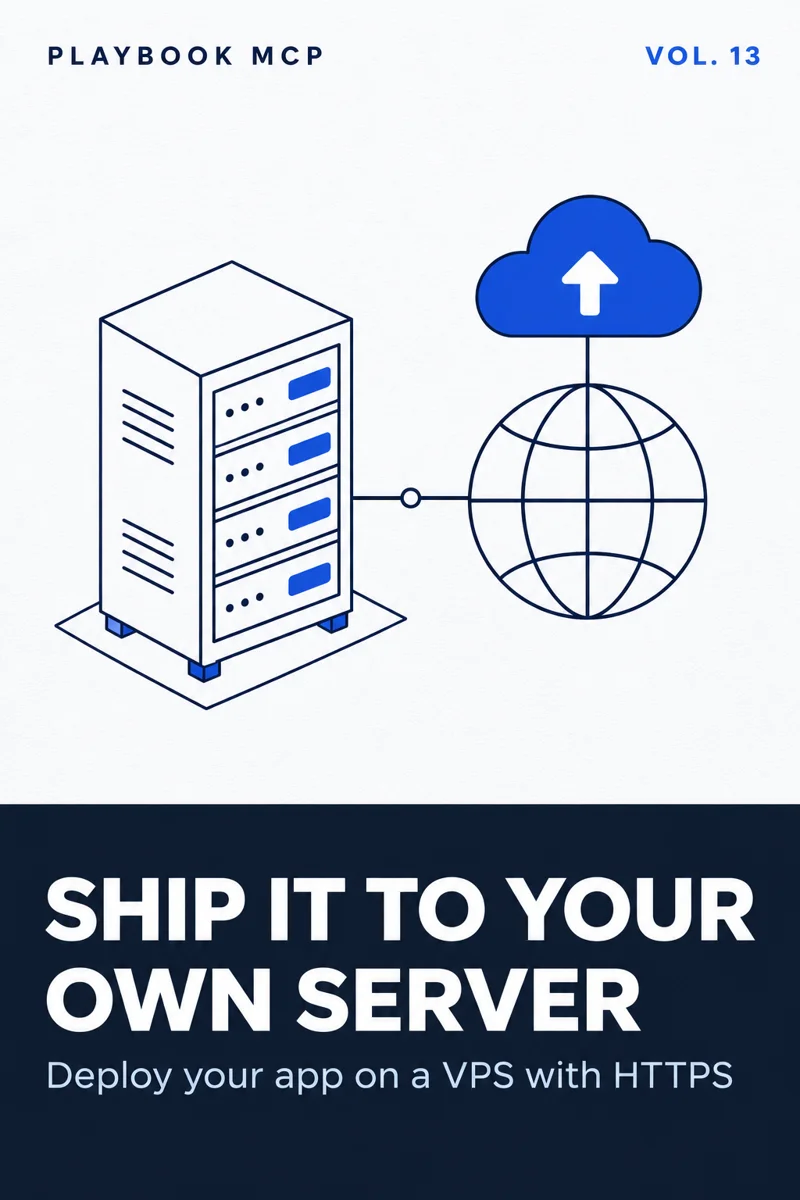
Ship It to Your Own Server
Put Your App on Your Own Server, Safely, With an AI Agent
$29 $5.80 Save 80%
Instant digital delivery. About 12k words.
About this playbook
Deploy your app on a VPS with HTTPS
AI tools make it easy to build a web app; getting it online and keeping it healthy is where many people stall. This playbook shows you how to run your own app, or an open-source tool like WordPress, n8n or Ghost, on a rented Linux server with a fixed monthly price, on your own domain, over HTTPS.
It is provider-neutral and works with Hetzner, DigitalOcean, Hostinger, Akamai (Linode), Vultr, AWS Lightsail or any VPS running Ubuntu 24.04 LTS. A ten-step method covers hardening, DNS, Docker, a Caddy reverse proxy, secrets, tested backups, monitoring and safe updates, with clear rules for what your AI agent may run alone and what it must show you first.
Who it's for
- Founders and makers who built an app, or had an AI build one, and need it live
- Consultants who want to self-host tools like n8n, WordPress or Uptime Kuma
- Experienced professionals who are not system administrators
- Anyone who wants a fixed monthly server cost instead of per-seat pricing
- People who want an AI agent to do the typing with clear safety rules
What you'll be able to do
- Create a VPS with SSH keys only, root login off and a minimal firewall
- Point your domain at the server and get automatic HTTPS certificates
- Run each app from a Docker Compose file kept in Git without secrets
- Keep secrets in protected files and in your password manager
- Send daily backups off the server and complete a real restore test
- Get alerted by an external uptime check when something goes down
- Update and roll back with a written procedure
- Give your agent written rules for safe, approved and destructive actions
What's inside
Inside this volume
- 01
Why a VPS, and what goes wrong
Managed platforms versus a VPS, and the common failures from root passwords to an agent deleting a volume.
- 02
Choosing a provider and plan
Neutral criteria for Hetzner, DigitalOcean, Hostinger, Akamai, Vultr and Lightsail, sizing, and creating the server with an SSH key.
- 03
First-login hardening
A sudo user, SSH keys only, UFW, the Docker and UFW port issue, unattended upgrades, fail2ban and swap.
- 04
Domain and DNS
A and AAAA records, short TTLs during setup, Cloudflare proxy and SSL modes, and leaving email records alone.
- 05
Docker and Compose
Installing from Docker's repository, log limits, a predictable folder layout, a shared network and Compose essentials.
- 06
Reverse proxy with HTTPS
Caddy with automatic certificates as the default, Nginx with Certbot as the alternative, and the pitfalls of each.
- 07
Deploying your own code
Where to build images, Dockerfiles for Next.js, Node and Python, migrations, and serving static sites.
- 08
Open-source apps
Compose patterns for WordPress, n8n, Ghost and Uptime Kuma, including public URL settings and encryption keys.
- 09
Secrets, backups and restore
Secret handling rules and leak checks, three backup layers, database dumps, restic off-site and a restore test.
- 10
Monitoring, updates and rollback
External uptime checks, reading logs, resource alerts, pinned versions, an update procedure and rollback options.
- 11
The Hostinger MCP route
When to use Hostinger's official MCP server and companion skill without SSH, and when to use the SSH method instead.
- 12
Letting an AI agent do it safely
Access setup, what the agent may run alone, what needs approval, what is never allowed without a fresh backup, and what to review.
Use it with your AI agent
Ask for the work. Your agent follows the playbook.
Install the Claude skill or connect the MCP with your license key. Then ask in plain language:
- “I have a fresh Ubuntu 24.04 server. Harden it step by step, show each command before running it, and verify from a new SSH session at the end.”
- “Containerize this Next.js app with a PostgreSQL database, no published ports, Caddy in front for app.example.com, and a .env.example in the repo.”
- “Set up daily database dumps and volume backups with restic to my S3 bucket, then guide me through a restore test on a temporary machine.”
Questions
FAQ
Does it only work with one hosting provider?
No. It is provider-neutral and assumes an Ubuntu 24.04 LTS server, which every major VPS provider offers. A separate section covers Hostinger's MCP route as an option.
Do I need to know Linux already?
No. The commands are written out, each step has a check, and the agent can do the typing, but you approve changes to the running system.
Can it deploy WordPress or n8n, not just my own code?
Yes. It includes Compose setups for WordPress, n8n, Ghost and Uptime Kuma, plus a general pattern for other open-source apps.
How does it keep the AI agent from breaking things?
It gives the agent written rules: read-only work runs freely, changes need your approval, and destructive commands need your explicit yes and a fresh backup.
Does it cover Kubernetes or compliance regimes?
No. It covers a small to medium app on one server. Kubernetes, multi-region failover, HIPAA and PCI are out of scope.
Better together
The Builder's Codex
Design, build, polish and ship apps with AI agents.
$551 $15.80 Save 97%