NewVol. 61 · Published Nov 26, 2026 · Book + Claude skill + MCP
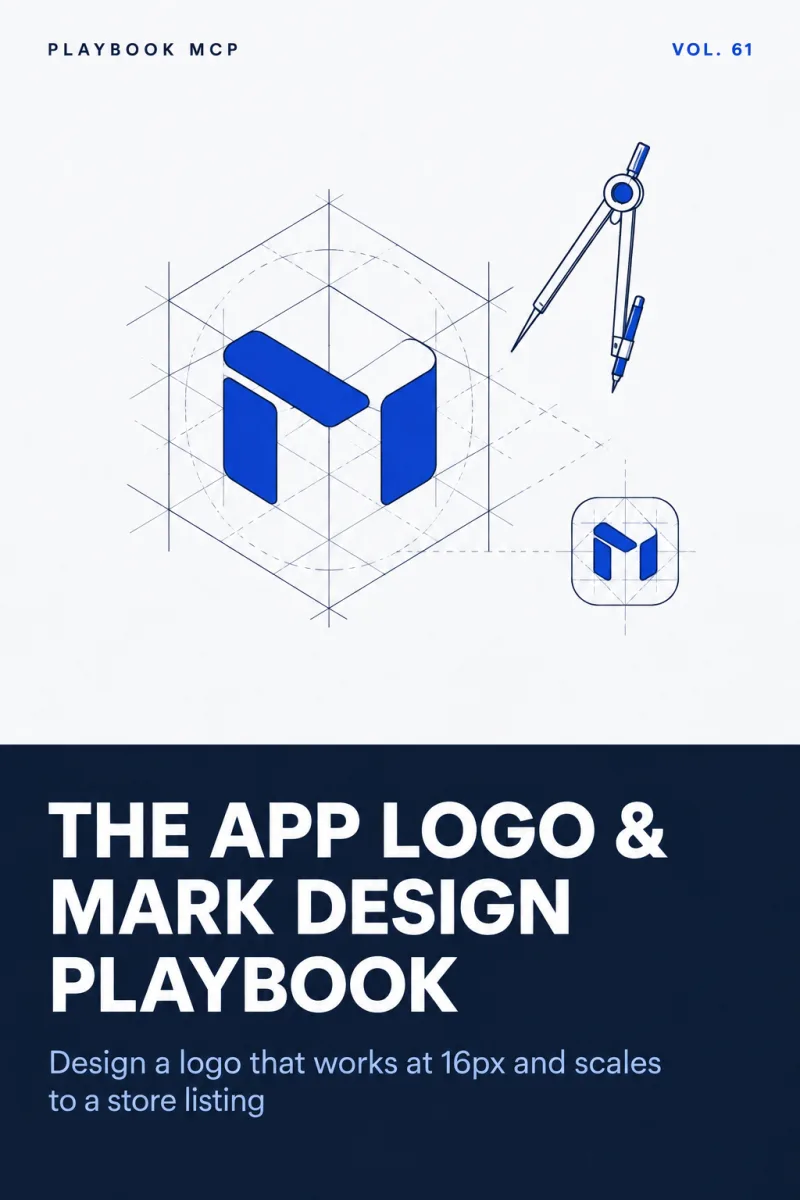
The App Logo & Mark Design Playbook
Design an App Logo That Survives 16px, Dark Mode and a Trademark Search
$29 $5.80 Save 80%
Instant digital delivery. About 13k words.
About this playbook
Design a logo that works at 16px and scales to a store listing
Most software logos are approved at 800px on a design canvas. Then they turn to mush in a browser tab, vanish in dark mode, get recolored by Android and Apple, or arrive as an AI-made PNG that nobody can edit or protect. The App Logo & Mark Design Playbook replaces taste arguments with a nine-step method and tests you can run.
You write a one-page brief, pre-screen the name, explore concepts, draw the symbol as clean vector, and test it at 16px, in 1-bit, blurred and from memory. Then you build the wordmark, lockups and color system, run a figurative trademark search, and deliver a tiered set of files with a brand sheet. Prompts let an AI agent run the process with you, stopping at four approval gates.
Who it's for
- Founders and indie developers who need a logo for a mobile app or SaaS product, with or without a designer
- Small-team product people who want to use AI image tools without shipping something fragile or legally risky
- Anyone hiring a freelancer or agency who wants a clear brief, test criteria and the right contract clauses
- Teams whose current logo breaks in favicons, dark mode, email or themed icons
- Builders who want their AI agent to handle briefs, contrast maths, SVG cleanup and export scripts
What you'll be able to do
- Write a one-page logo brief with a single idea, category conventions to keep or break, and a tier list
- Draw a symbol that keeps its silhouette at 16px, with gap and stroke sizes worked out for small sizes
- Run the 16px favicon, 1-bit, squint, five-second recall and context tests before committing to a design
- Build a tiered system: full, stacked and compact lockups, a symbol and a favicon symbol, each with a minimum size and clear-space rule
- Choose a wordmark font whose license allows logo use, then kern it and convert it to outlines
- Redraw AI concepts as clean vector you can own, and keep a provenance record
- Run name and logo clearance searches in USPTO, TMview and WIPO, and know when to call an attorney
- Deliver clean SVG, PDF, PNG, favicon, platform and BIMI files from one master, with a naming convention and brand sheet
What's inside
Inside this volume
- 01
Logo anatomy and the brief
Separates symbol, wordmark, lockups, favicon symbol and app icon, gives decision rules for wordmark-only versus symbol plus wordmark, and provides a one-page brief template.
- 02
Drawing a mark that survives small sizes
Eight principles with checks: silhouette first, one idea, few large shapes, minimum gaps and strokes, optical balance, grids and pixel snapping, plus a Figma artboard setup.
- 03
Testing and color
Step-by-step 16px, 1-bit, squint, recall and context tests, a color system built in order, and an accurate reading of how WCAG treats logos.
- 04
Typography for wordmarks
Choosing and customizing a typeface, kerning by hand, converting to outlines, and a license table covering OFL, commercial, subscription and personal-use fonts.
- 05
Responsive logo system and placements
A five-tier table with minimum sizes and clear space, adaptive and animated logos, and a placement table for favicons, splash screens, email, BIMI, Open Graph, stores and extensions.
- 06
AI in the logo process and legal basics
Where AI helps, why raw output fails as a final logo, how to redraw it as vector, what tool terms mean, and a name and logo clearance process with contract clauses.
- 07
Vector delivery, costs and prompts
An SVG hygiene checklist, favicon bundle, export checklist, naming convention, brand sheet, routes compared, a before-launch review and a main prompt with focused prompts.
Use it with your AI agent
Ask for the work. Your agent follows the playbook.
Install the Claude skill or connect the MCP with your license key. Then ask in plain language:
- “Draft a one-page logo brief for my app using the playbook template, then wait for my approval before suggesting any concepts.”
- “Write a knockout search plan for our product name in USPTO Trademark Search, TMview, WIPO and both app stores, with the classes to check.”
- “Review this SVG logo for hygiene problems: viewBox, unexpanded strokes, embedded rasters and leftover metadata. Then give me a cleaned version.”
- “Write a Node script with sharp that reads our master SVGs and exports every PNG, ICO, favicon, PWA and Chrome extension size into /brand/logo/.”
Questions
FAQ
Does this cover the app icon too?
No. This volume covers the logo system: symbol, wordmark, lockups and favicon tiers. The app icon, with its platform grids, masks and store rules, is covered in the sibling volume, The App Icon & Brand Identity Playbook.
Can I use an AI image generator to make my logo?
You can use it to explore concepts and build moodboards. The playbook explains why raw AI output should not be your final logo, and shows how to redraw a chosen concept as clean vector and keep a record of the human work.
Is this legal advice for trademarks?
No. It gives a practical screening process with name and logo searches, a search log and contract clauses to discuss. For filing or any conflict, it tells you to consult a qualified trademark attorney.
Do I need to be a designer to use it?
No. It is written for founders and product people working alone, with a freelancer or with an agency. Each step ends with a clear done-when check, and it compares the routes by budget, timeline and main risk.
What files do I get at the end?
A tiered set from one master: SVG and PDF in color, black and white, PNGs at several scales, a favicon bundle, platform and extension icons, an Open Graph image, email PNGs, an optional BIMI SVG and a one-page brand sheet.
Better together
The Builder's Codex
Design, build, polish and ship apps with AI agents.
$551 $15.80 Save 97%