NewVol. 58 · Published Nov 26, 2026 · Book + Claude skill + MCP
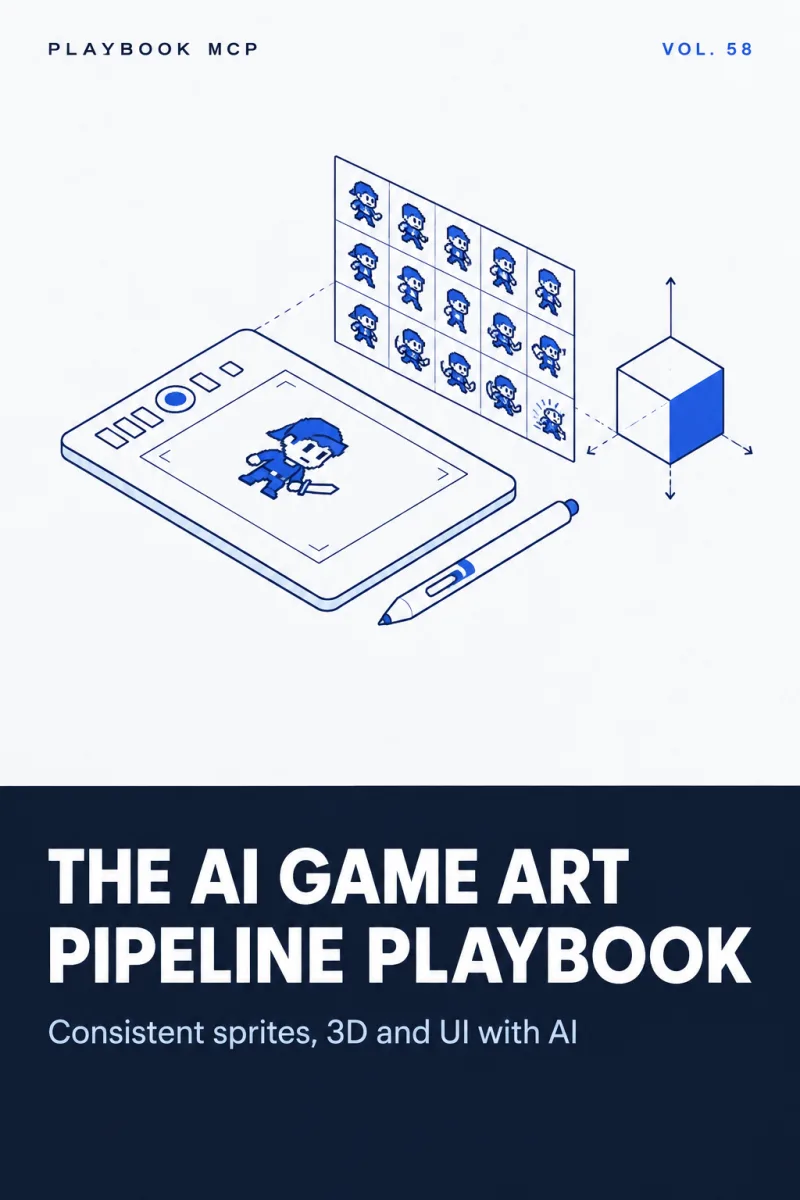
The AI Game Art Pipeline Playbook
Make AI Game Art That Looks Like One Game and Imports Cleanly
$29 $5.80 Save 80%
Instant digital delivery. About 11k words.
About this playbook
Consistent sprites, 3D and UI with AI
AI tools can produce game art quickly, but the first and the two-hundredth asset rarely look like the same game. Pixel art lands off the grid, 3D meshes arrive as dense triangle soup with lighting baked in, licences hide revenue and territory limits, and months later nobody can say which assets were AI-generated. The AI Game Art Pipeline Playbook turns that mess into a repeatable process.
It works in nine steps, and each one ends with a clear test for when it is done. You write an art contract, clear your tools, build human-made anchor images, set up consistency controls, generate from recipe files, conform the output to engine specs, review it in the engine, record provenance and disclosure, and measure whether AI is actually saving you time. It comes with templates, configs, conform scripts, 15 agent prompts and a full checklist.
Who it's for
- Indie developers who want AI-assisted art that stays consistent across a whole game
- Small studio leads who need a clear process for licences, provenance and store disclosures
- Technical artists who own import presets, budgets and the conform stage
- Product people deciding where AI is allowed in production: concept, blockout, final assets, marketing or UI
- Teams using coding agents who want generation, conform and logging run from files in the repo
What you'll be able to do
- Write a style bible and technical spec with testable statements and numbers for every asset class
- Build a licence register that records commercial terms, revenue thresholds, territory limits and output marking for each tool
- Keep style consistent with anchors, multi-reference prompting, structural control or a trained model, chosen per asset family
- Turn raw output into engine-ready assets: pixel grid, palette, alpha, topology, UVs, texel density and LODs
- Set up import presets for Godot 4.x and Unity 6, and review assets in context with a scoring rubric
- Keep a provenance log for every shipped asset and draft Steam AI disclosure text from it
- Track acceptance rate, cleanup time and cost per accepted asset to see where AI helps and where it doesn't
What's inside
Inside this volume
- 01
The problem and what good looks like
Style drift, fake pixels and fake topology, licence blind spots, missing records and wrong ideas about ownership, plus the target state for a working pipeline.
- 02
Before you start
Game facts, roles, accounts, tools, decisions about where AI is allowed, and an intake checklist with the repository folder layout.
- 03
The nine-step method
From art contract to measurement. Each step has what to do, why it matters and a "done when" test.
- 04
Licences, anchors and consistency controls
A licence register with checked facts for major models, anchor sheets per asset family, and a comparison of consistency methods with their failure modes.
- 05
Recipes, conform and engine integration
Recipe file templates, ImageMagick and gltf-transform commands, a 3D conform table, UI contrast and size rules, Godot and Unity presets, and a review rubric.
- 06
Provenance, rights and disclosure
A provenance log format, Steam disclosure rules with example copy, EU AI Act Article 50 notes and the current US copyright position (not legal advice).
- 07
Prompts, checklist and metrics
A gated main prompt, 15 focused prompts, a full project checklist, metric definitions and the common mistakes that cost teams the most time.
Use it with your AI agent
Ask for the work. Your agent follows the playbook.
Install the Claude skill or connect the MCP with your license key. Then ask in plain language:
- “Interview me about my game, then draft art/pipeline/style-bible.yaml and spec.json with testable statements. Stop for my approval.”
- “Audit the licence for FLUX.1 Kontext [dev] and Hunyuan3D. Quote the terms with URLs and dates, and flag conflicts with selling in the EU and UK.”
- “Conform every PNG in art/raw/enemy/: nearest-neighbour downscale to 32x32, remap to our palette without dithering, threshold alpha, and list the files that fail the spec check.”
- “Draft our Steam AI disclosure text from art/provenance/log.csv without understating AI use, and say whether the game generates content at runtime.”
Questions
FAQ
Does it cover pixel art, HD sprites, 3D and UI?
Yes. It has separate conform steps for pixel art, painted or HD sprites, 3D models and UI, and import settings for Godot 4.x and Unity 6.
Which AI tools does it require?
None in particular. It compares multi-reference image models, trained style models, structural control, pixel-native tools, image-to-3D and engine-native generators, and helps you pick one primary tool per asset class.
Will the art I make this way be protected by copyright?
The playbook explains the current US Copyright Office position: prompts alone are not enough, but human-made anchors, redraws and creative selection can be protected. It shows how to record that contribution, but it is not legal advice.
Does it help with Steam's AI disclosure?
Yes. It explains Valve's January 2026 survey changes and shows how to write specific disclosure text from your provenance log, with example copy.
Will it tell me whether AI is actually saving time?
It defines metrics such as first-pass acceptance, cleanup minutes and cost per accepted asset, compared against a hand-made baseline. Some asset families may turn out faster to make by hand, and the playbook treats that as a valid result.
Better together
The Game Maker's Grimoire
Design, make and launch games with AI.
$261 $9.80 Save 96%